Abobi turns a folder of MP3s — or one long recording — into a single M4B file with chapters, cover art and complete metadata, ready for Apple Books.
How it works
1. Add your files
Drag in a folder, a few MP3s or one long recording.
2. Abobi suggests the chapters
It proposes where each chapter begins and marks the ones worth a second look.
3. Review and export
Listen to any boundary, adjust what you like, and export one M4B file.
Chapters — the part that usually takes hours
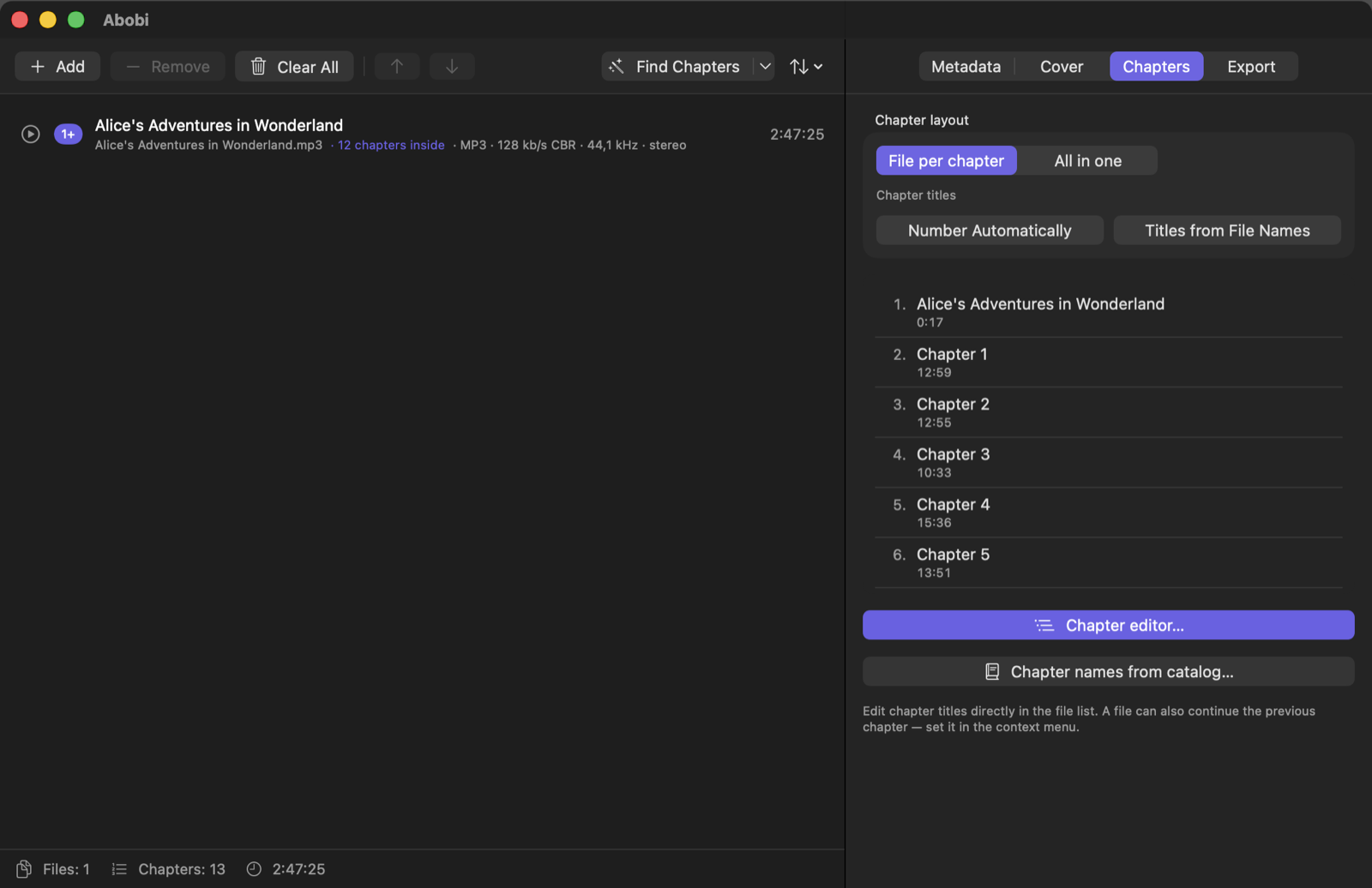
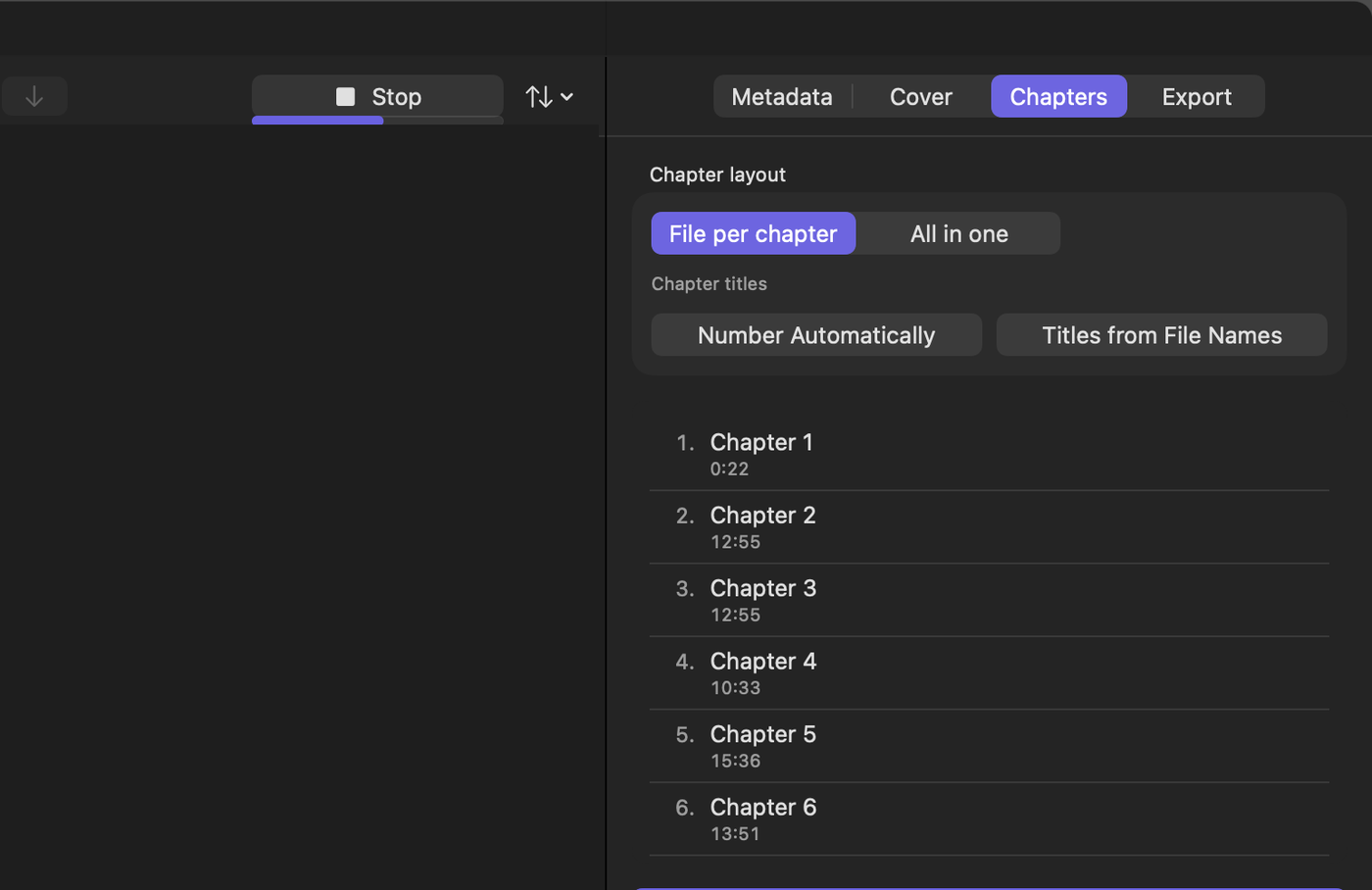
Find Chapters proposes the chapter layout for you — even for one long recording with no chapter information at all. Choose Fast, Balanced or Max.
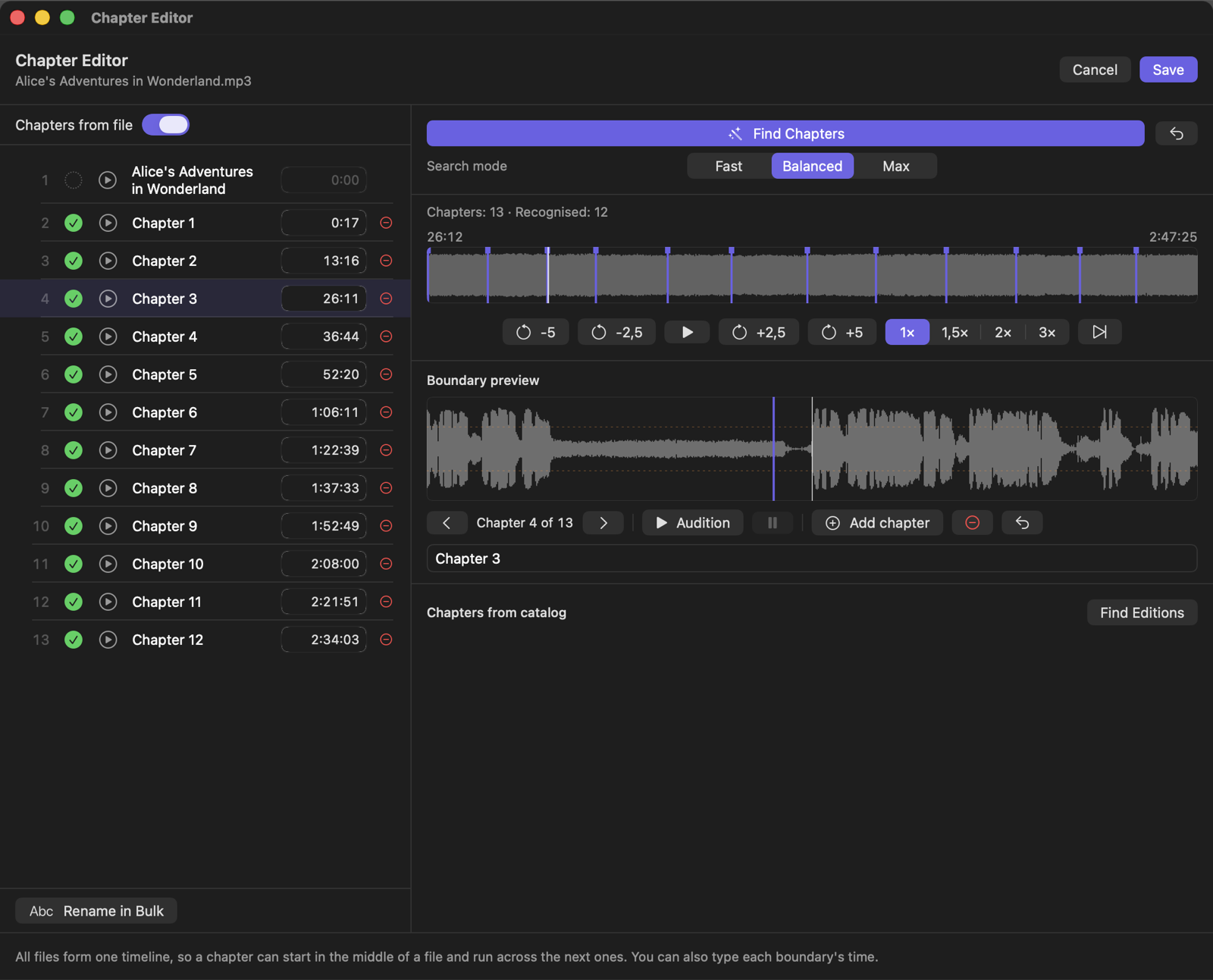
Every chapter is marked: confirmed, not confirmed, or worth a look. When the narrator announces chapter numbers, an orange question mark shows where one seems to be missing — so gaps are easy to spot.
Chapter editor: see the whole book at a glance, listen around every boundary, drag markers, add or remove chapters, rename them in bulk. Every change can be undone.
Published audiobooks: chapter names from the catalog, applied only when your recording matches the edition.
Chapters that play everywhere: Apple Books and other players.
Metadata and cover
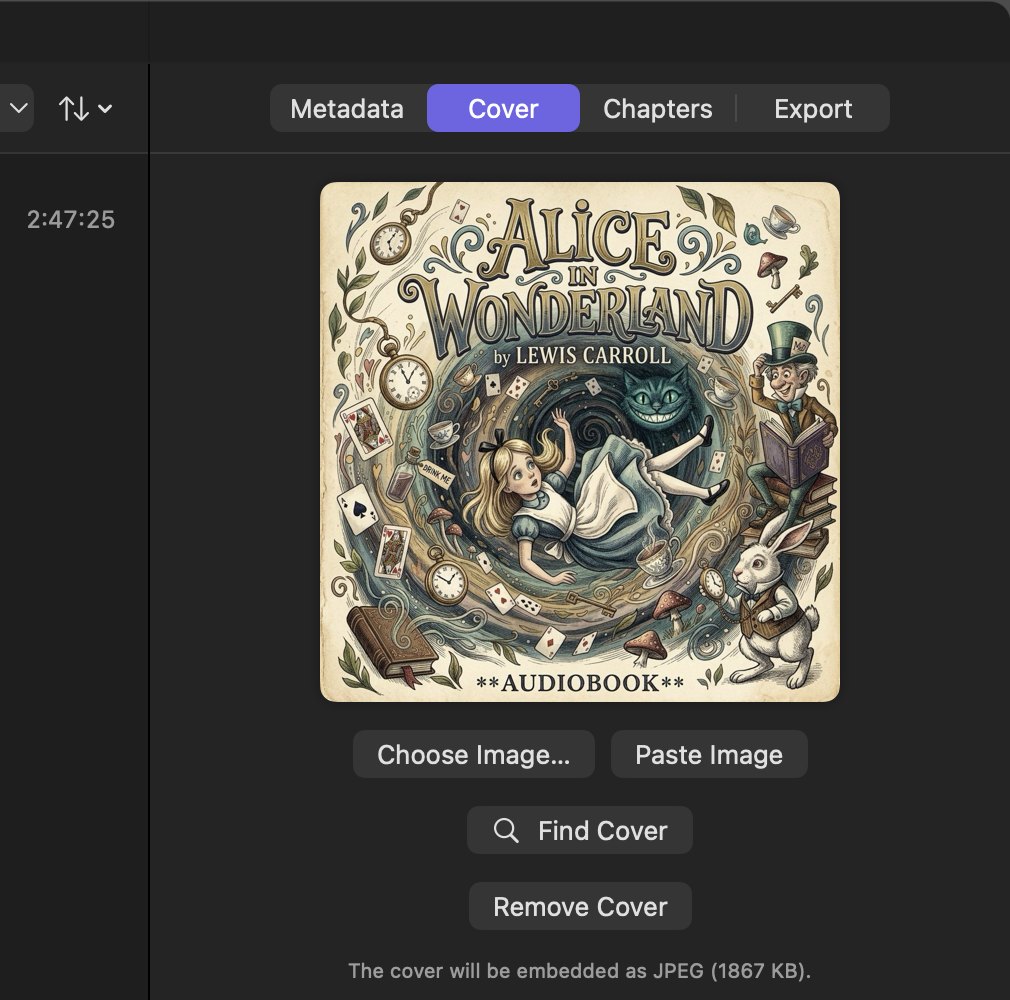
Search online catalogs for title, author, narrator, year, description and cover — then edit any field by hand.
Drag a cover in, paste it from your browser, or find one in a click.
Restore the original tags at any time.
Sound the way you want
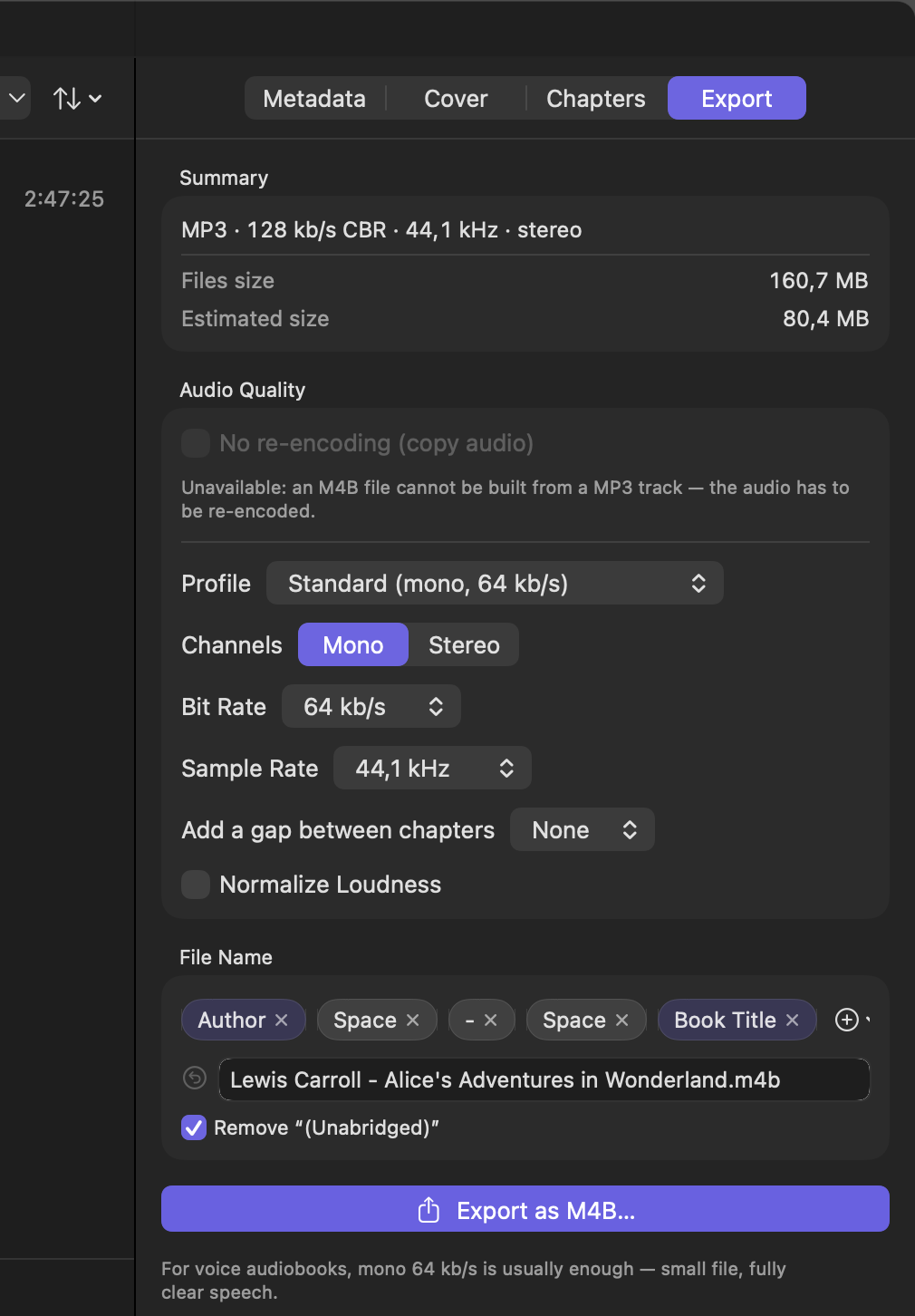
Presets from a small voice file to high-quality stereo, with the file size estimated before you export.
Lossless ALAC for lossless sources — or no re-encoding at all when your files are already AAC or ALAC.
Even out loudness between files, add a pause between chapters.
An export queue: prepare the next book while the previous one is exporting.
Private by design
Your recordings never leave your Mac — everything, including finding chapters, happens on your computer. Only the title and author are used to look up book details and chapter lists. No account, no analytics, no tracking.